
One dish photo.A year of food marketing.
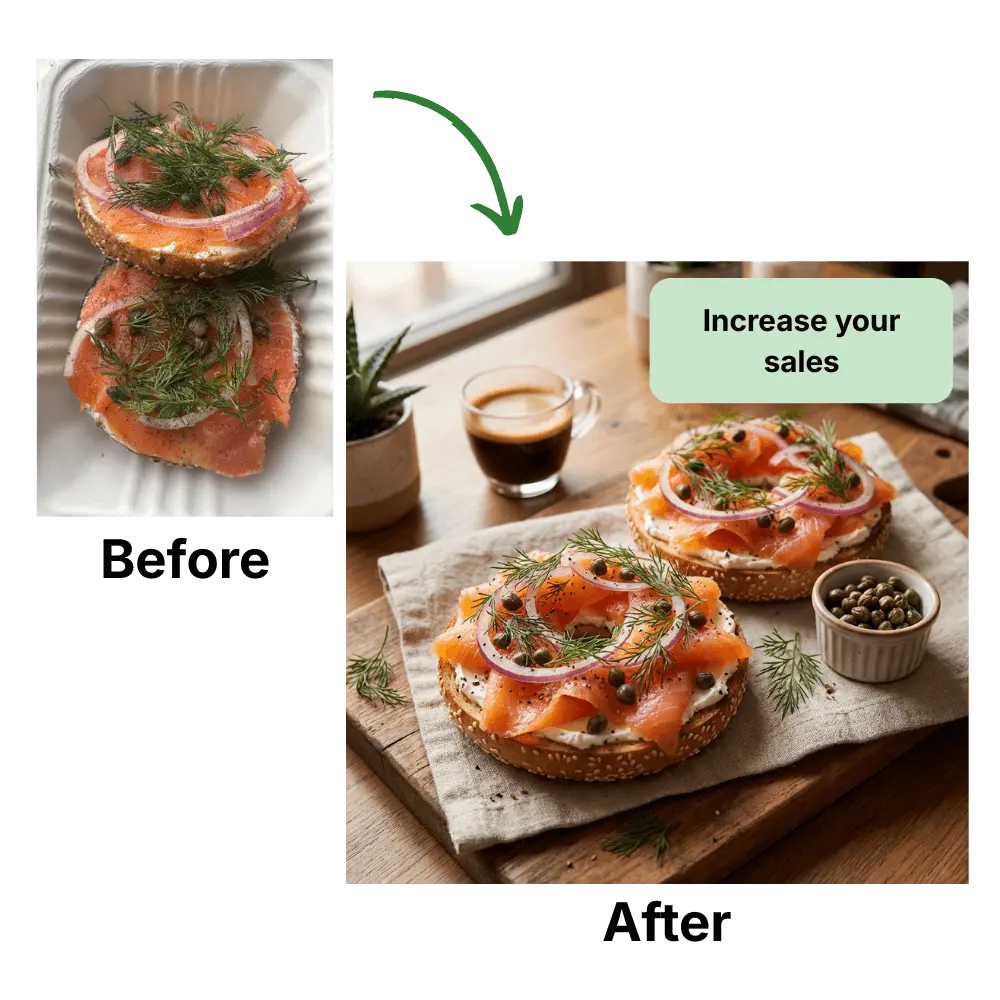
Shoot your best dish once — PlateSnap turns that single photo into social posts, seasonal promos, menu boards, and delivery-app images all month long. Built for restaurants, cafés, and bakeries with no time for a photoshoot.
Join creators generating AI food photos
30 styles
professional presets
Up to 4K
resolution output
Export-ready for every delivery platform
Photos sized to each platform's requirements — DoorDash 16:9 (1400×800), Grubhub 1:1 (1400×1400), Uber Eats, and more


See the Transformation
From a quick phone snap to professional food photography in seconds.

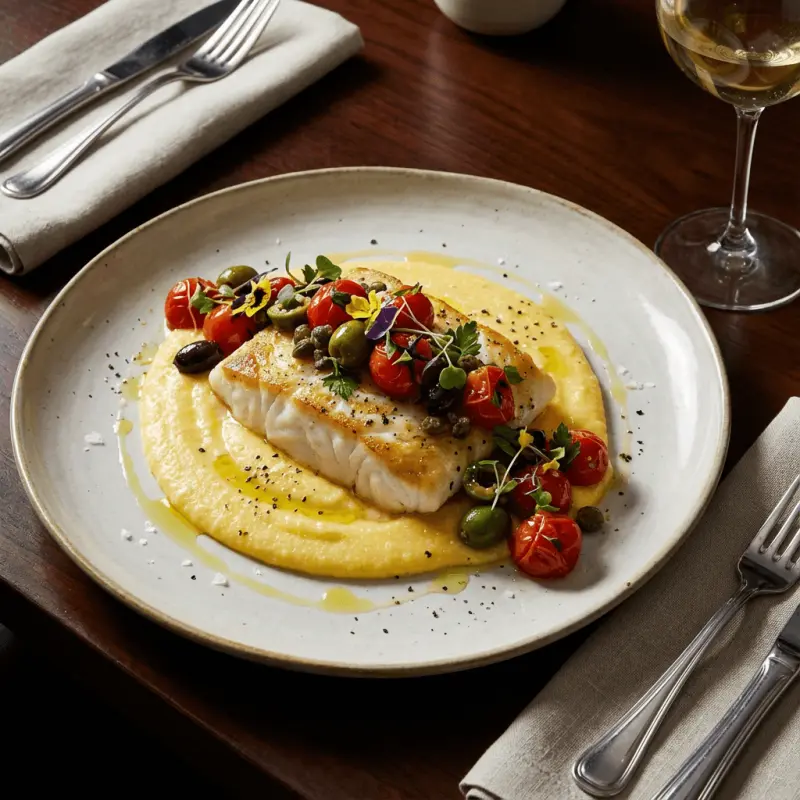
Fine Dining Style


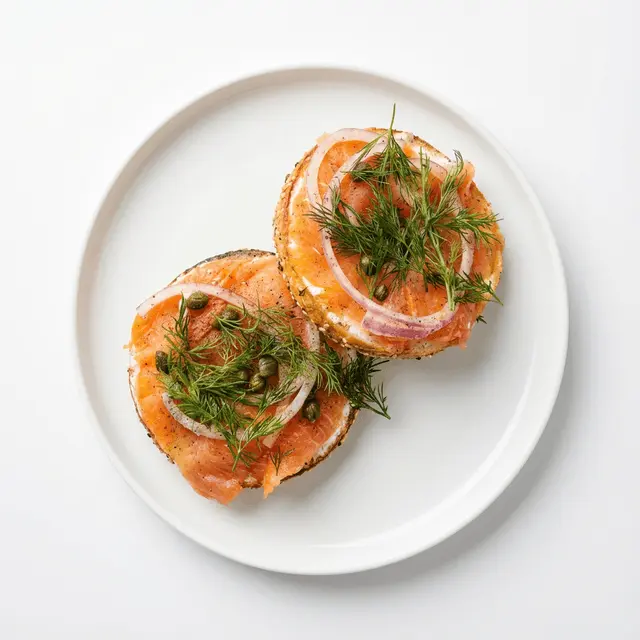
Artisan Style


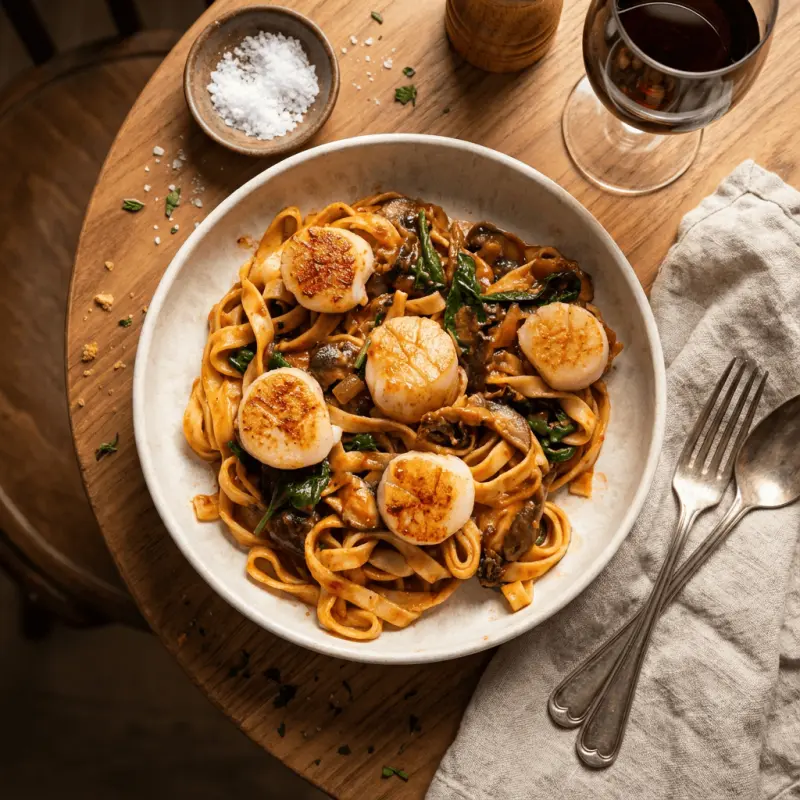
Dark Moody Style
Why PlateSnap?
The challenges of food photography that every restaurant faces—solved.
People eat with their eyes
Menus with high-quality photos consistently drive more orders — delivery platforms like DoorDash report that adding photos can significantly increase sales. Great images attract more customers, lift order values, and build trust in your brand.

October 2025
Photographer Unavailable
Schedule conflict with studio
Skip the scheduling hassle
No more waiting weeks for a photographer. No more expensive studio rentals or equipment costs. Generate stunning photos anytime, anywhere.
- $500-2000 per shoot
- 2-4 weeks booking
- Limited revisions
- From $0.50 per image
- Ready in seconds
- Unlimited regenerations
Consistent Branding
Every photo matches your brand aesthetic. Whether you need bright and airy shots for your menu or moody images for social media, PlateSnap delivers consistent results every time.



How It Works
Just click, choose a style, and generate your photo.

Step 1
Upload Your Photo
Snap a picture of your dish with your phone. No fancy camera needed.

Step 2
Choose Your Style
Select from dozens of professional styles or describe your own. Choose from Cafe, Fine Dining, Dark Moody, and more.

Step 3
Download & Post
Get your stunning, high-resolution photo in seconds, perfectly sized for any platform.
Explore our Gallery
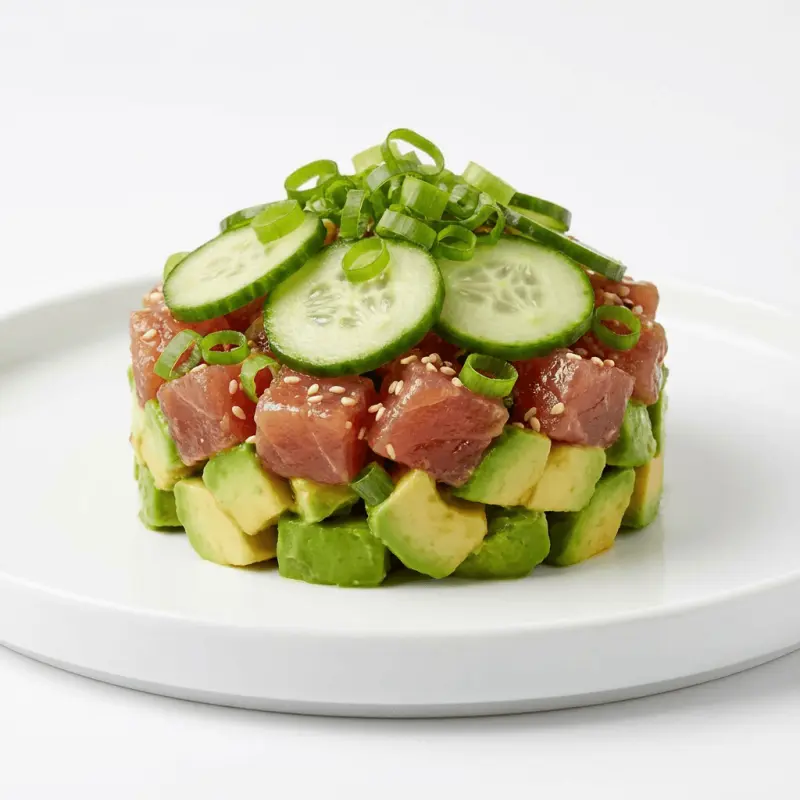
Discover stunning food photos that transform your menu.




Features
Everything you need to create stunning food photography without the hassle
Professional and Realistic
Generate studio-quality food photography with 4K resolution. We've tuned our models to eliminate the 'AI look', delivering authentic textures and lighting that are indistinguishable from traditional photography.
Multiple Style Presets
Choose from three professional styles: Editorial for clean magazine shots, Menu Zoom for close-up details, or Dark Moody for dramatic atmosphere.
Lightning Fast
Get your images in seconds, not hours. No need for expensive photo shoots or lengthy editing sessions. Just describe what you want and generate.
Secure & Reliable
Your images are stored securely with bank-grade encryption. All your generations are saved in your personal gallery for easy access.
PlateSnap in Numbers
Real numbers from restaurants and food businesses using PlateSnap
219+
Professional photos generated
Real dishes transformed in the PlateSnap studio — counted live from our database.
30
Photography styles
Delivery, marketing, dining, and clean studio looks for every menu and campaign.
~20 sec
Per photo
From one real dish photo to a marketing-ready shot, up to 4K resolution.
Ready to Create Stunning Food Photos?
Join hundreds of creators using PlateSnap to generate professional food images in seconds. Start with 5 free credits.
Simple, Flexible Pricing
Choose a monthly plan that fits your needs. Cancel anytime, no contracts.
Starter
20 generations
- 20 AI generations / month
- All 30 styles
- 3 camera angles
- Up to 2K resolution
- Commercial license
- Priority generation queue
- Priority support
Business
100 generations
- 100 AI generations / month
- All 30 styles
- 3 camera angles
- Up to 4K resolution
- Commercial license
- Priority generation queue
- Priority support
Scale
300 generations
- 300 AI generations / month
- All 30 styles
- 3 camera angles
- Up to 4K resolution
- Commercial license
- Priority generation queue
- Dedicated support
- Custom style requests
